|
SPECIAL
OFFERS
-
-
-
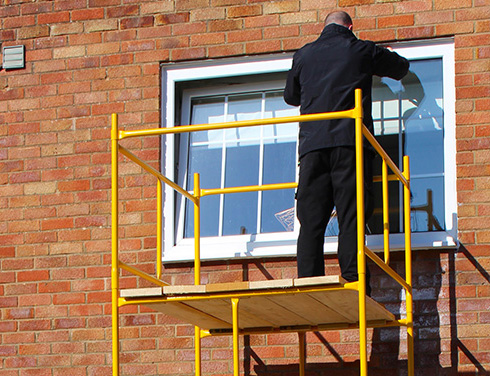
SCAFFOLD
TOWERS
-
-
-
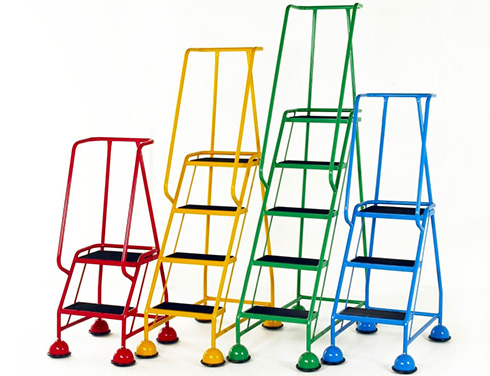
PODIUM-
STEPS
-
-
-
LOFT
LADDERS
-
-
-
SPIRALS
& STAIRS
-
-
-
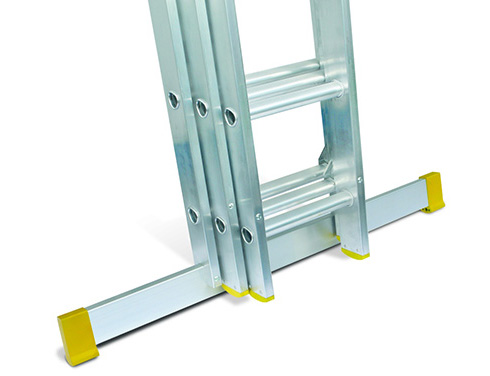
ALLOY
LADDERS
-
-
-
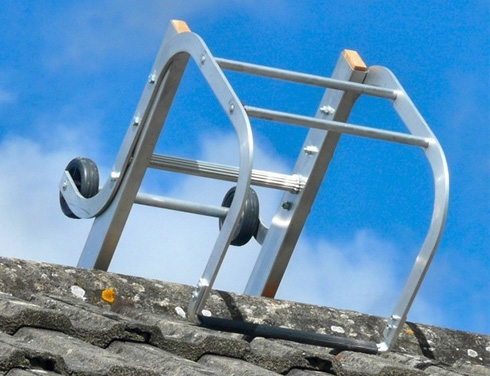
ROOF
LADDERS
-
-
-
WINDOW
CLEANERS
-
-
-
STEP
LADDERS
-
-
-
COMBINATION
LADDERS
-
-
-
TELESCOPIC
LADDERS
-
-
-
GLASSFIBRE
-
-
-
TIMBER
LADDERS
-
-
-
FIRE
ESCAPE
LADDERS
-
-
-
SPECIALIST
LADDERS
-
-
-
LADDER
ACCESSORIES
-
-
-
WAREHOUSE
STEPS
&
MOBILE
STAIRS
-
-
-
VEHICLE
ACCESS
LADDERS
-
-
-
TRESTLES
&
STAGINGS
-
-
-
SPECIALS
-
-
-
-
-
-
PDF
downloads
-
-
-
BS
kitemarks
-
-
-
Ladder
Safety
-
-
-
Tower
Tips
-
-
-
Frequently
Asked
Questions
(FAQ)
-
-
-
F
-
-
-


| |
WELCOME
to
www.ladders999.co.uk
the
web
home
of
Lansford
Access
Ltd
Our
site
is
not
one
of
the
flashiest
on
the
web
but
we
hope
you
will
find
it
fast
and
very
easy
to
use.
We
believe
it
is
also
the
most
comprehensive
catalogue
of
ladders,
steps
and
scaffold
towers
in
the
UK.
If
it
is
useful
don't
forget
to
click
"Add
To
Favourites"!
Are
you
new
to
the
web?
If
so,
read
these
tips
on
using
this
site

1:
Thumbnails
This
site
makes
extensive
use
of
"thumbnail"
images.
These
help
to
speed
your
browsing
because
the
full
size
image
only
appears
if
you
choose
to
view
it.
Click
on
a
thumbnail
image
to
view
it
full
size
then
click
the
"Back"
button
on
your
browser
to
return
to
the
page.
Try
here.
2:
Text
too
large
/
small?
If
the
text
on
this
site
is
too
large
or
too
small
to
read
comfortably
click
on
"View
>
Text
Size"
in
your
browser
toolbar
to
change
it.
3:
Links
from
the
sidebar
Most
pages
on
this
site
are
directly
accessible
from
the
left-hand
sidebar
or
the
top
bar.
These
will
be
with
you
in
exactly
the
same
layout
on
every
page
for
easy
navigation.
Simply
click
the
product
or
subject
of
interest.
Pages
you
have
previously
visited
will
turn
to
a
darker
colour.
4:
Scrolling
through
previously
viewed
pages
To
scroll
backwards
through
previously
viewed
pages
either
hit
your
keyboard
"Backspace"
key
repeatedly
or
click
the
black
"down"
arrow
beside
the
"Back"
button
on
your
browser
toolbar
for
a
list
of
all
visited
pages
(or
right-click
the
Back
button
for
the
same).
5:
Pages
won't
print
full
width?
If
any
pages
here
will
not
print within the width of
your
paper,
try reducing text size as in " 2 " above. If that does not work,
change print
layout
to
"Landscape"
rather
than
Portrait.
Click
"File
>
Page
Set-Up
>
(Orientation)
>
Landscape".
6:
Saving
pages
for
viewing
off-line.
If
you
wish
to
view
pages
of
this
site
off-line
(when
not
connected
to
the
Internet)
click
on
"File
>
Save
As..."
then
ensure
that
"Web
Page,
complete"
is
selected
in
the
"Save
as
type"
box.
This
will
save
you
money
on
phone
connection
charges
and
give
you
instant
access
to
interesting
pages
directly
from
your
hard
drive.
17/11/08
BP LP
FreeIn
|